




5×more demos in under 3 months
Targeted outreach built with Clay, integrated in HubSpot.
Read the client story
Clay Artisan Partner · DACH
We set up Clay so accounts, buying centers and buying signals arrive in HubSpot. For B2B software, SaaS and professional services in Germany, Austria and Switzerland, built around how your team sells.
Clay Artisan Partner for B2B software and professional services in DACH.

Clay partner status

Clay certification

Clay certification

Clay certification
5×more demos in under 3 months
Targeted outreach built with Clay, integrated in HubSpot.
Read the client story


 Ongoing
  Ongoing
  Ongoing
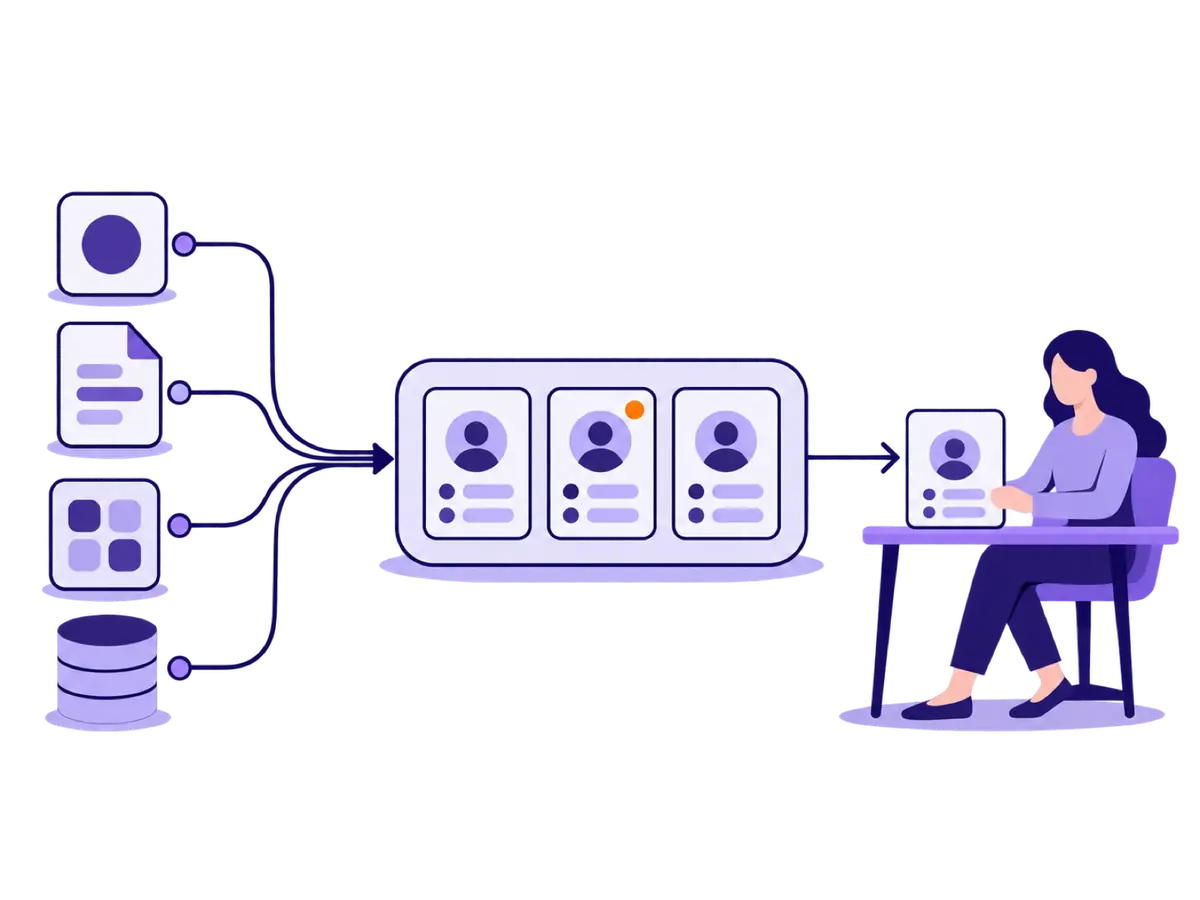
 Four steps your team otherwise does by hand between sources and HubSpot.
You see which companies fit your offer: by your ideal-customer criteria, or as accounts similar to customers who already buy.
Each account gets the relevant people, roles and contact details. Missing fields are filled from several sources, and duplicates are merged first.
Job changes, hiring and tech-stack changes show where something is moving. Your team works those accounts first, instead of a list from top to bottom.
Enriched accounts and contacts land in HubSpot. New leads are completed and assigned before anyone researches them by hand.
From the GTM Efficiency Guide
See how your data and signals become concrete actions for your CRM and team.
Download the guide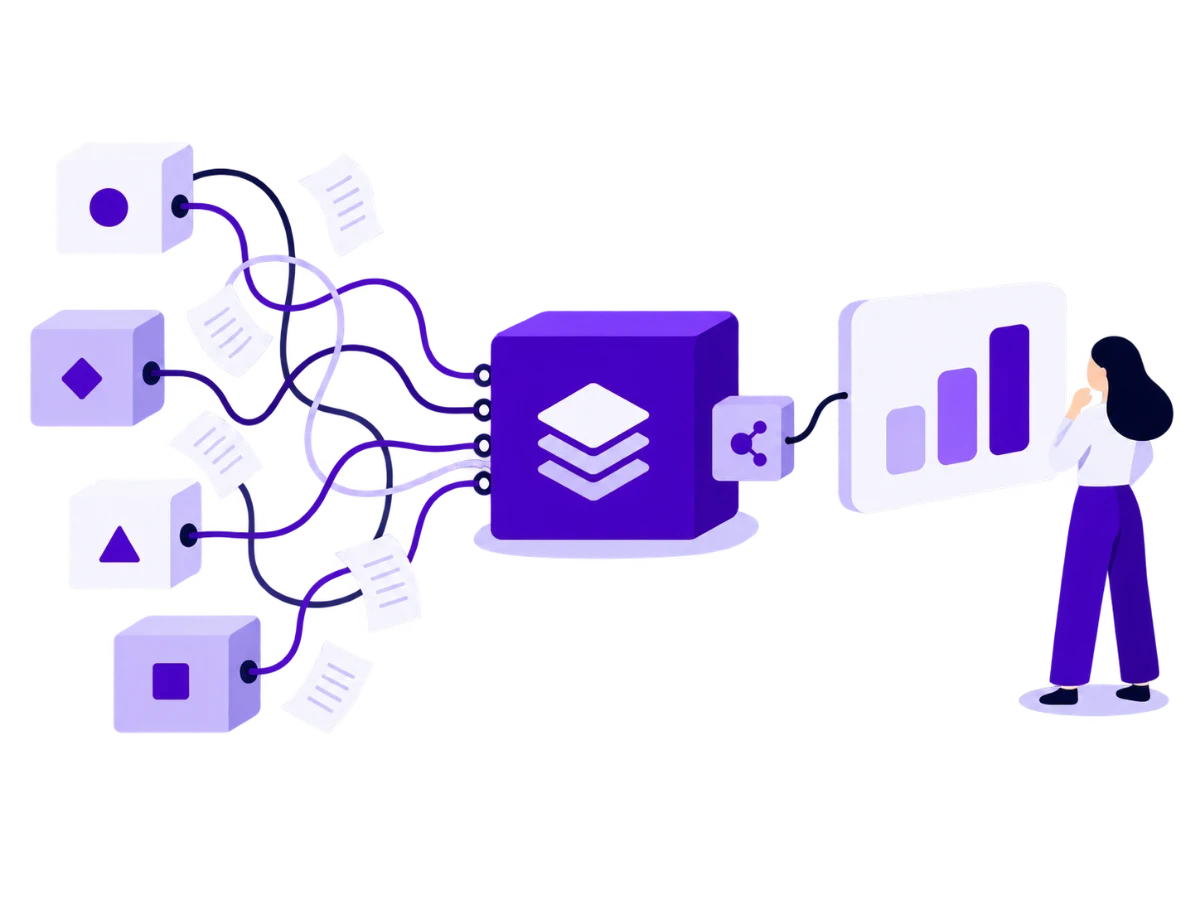
Your growing tech stack spreads data across separate tools and requires manual exports.
Example in the guide: Workist
Tools from the guide
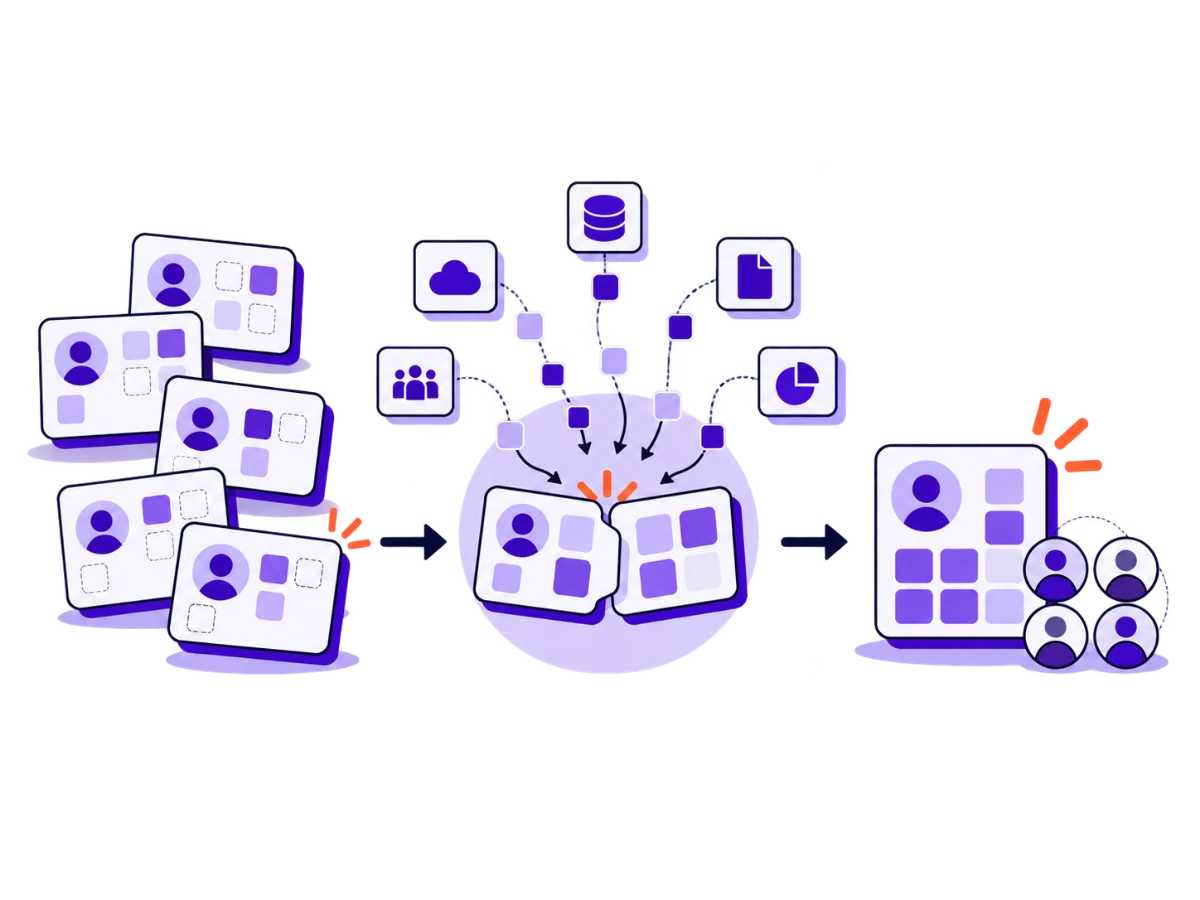
Missing or outdated contact and company data make work in the CRM harder for your team.
Example in the guide: Spotcom
Tools from the guide

Before your calls, accounts, roles and current developments need researching and a briefing needs preparing.
Example in the guide: node.energy
Tools from the guide
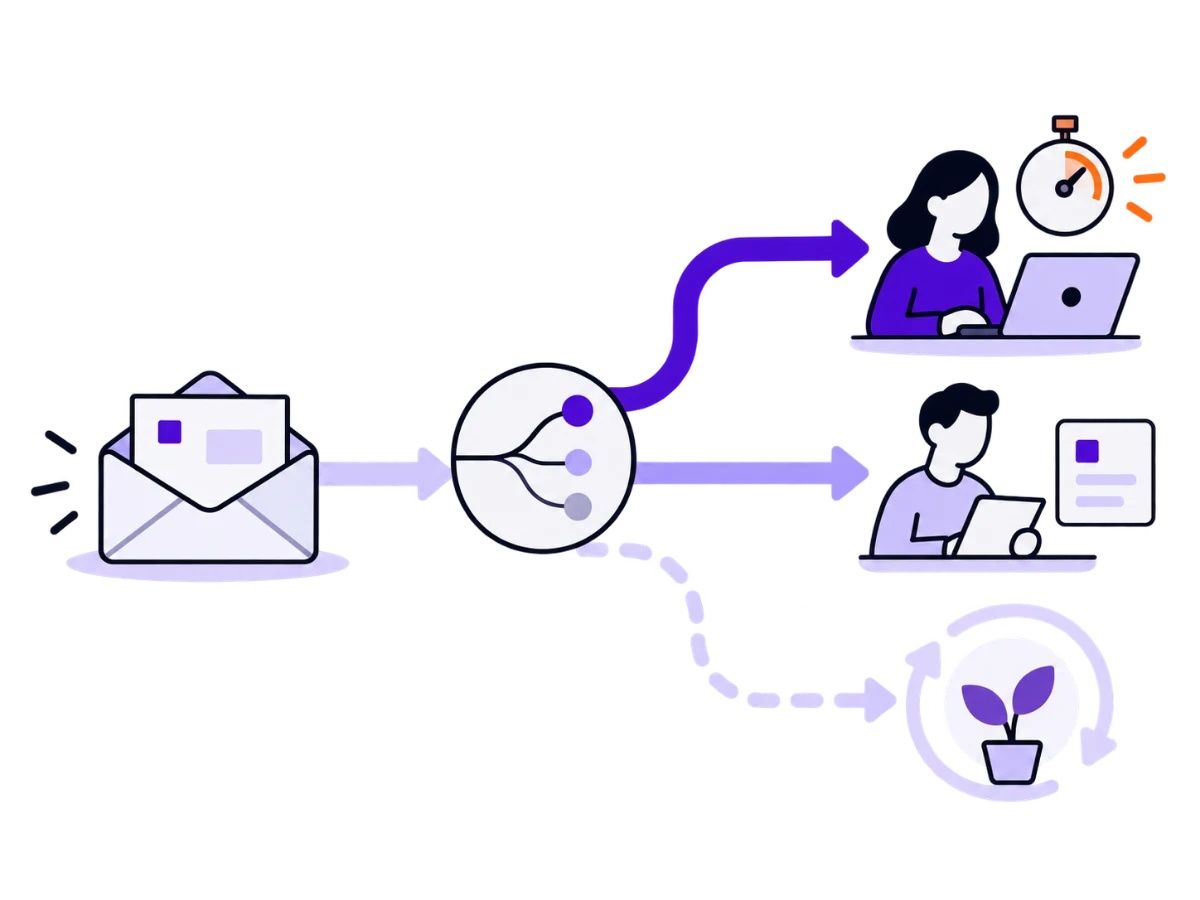
Your inbound leads often contain only a name and email; role, phone number, company size and buying signal are missing.
Example in the guide: Experts Inside
Tools from the guide
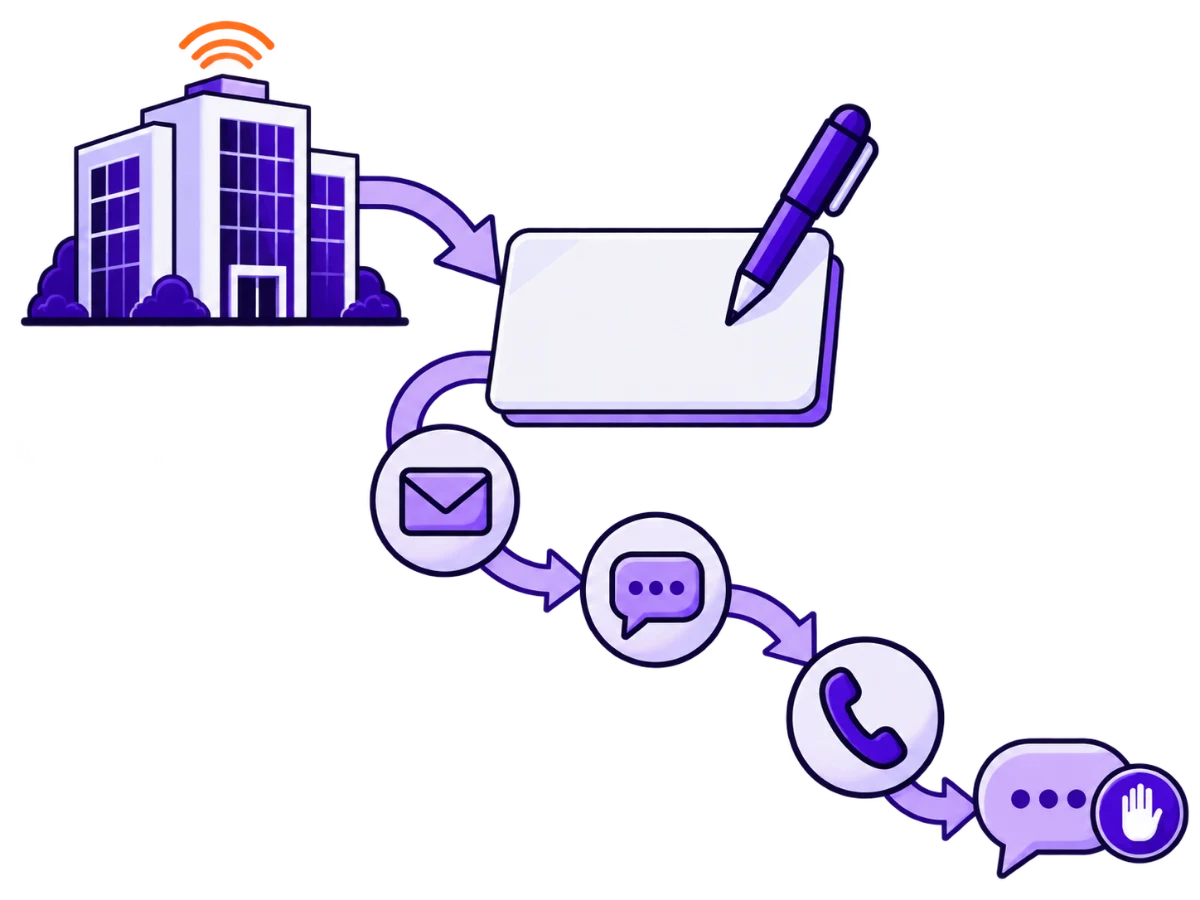
A job change, funding or an intent spike gives you a concrete reason to reach out.
Example in the guide: knk
Tools from the guide

Changes at target and customer accounts give you new reasons for conversations and signals before renewal.
Tools from the guide
You get a build and a handoff. Light maintenance afterwards is only there if you want it. We do not take over your entire sales process.

The engagement supports your existing sales team. Your revenue leads contribute their sales context and requirements.
After the handoff we can adjust workflows when sources or fields change. Active outreach stays a separate service.
From CHF 20,000 · 6–8 weeks to go-live and handoff
30–60 minutes
A prioritised opportunity for your sales team.
1–2 weeks · Weeks 1–2
A workflow and data-flow map with the gaps identified.
4–6 weeks · Weeks 3–8
Working workflows in Clay and HubSpot.
1 week · within weeks 6–8
Documented operations your team can run independently.
The figure belongs to this client story. It is not a promise for every setup.
node.energy connects industrial companies with renewable energy producers. Expanding on the buyer side took substantial sales time: wrong contacts, missing phone numbers and manual research slowed the team down.
Clay enriched company data and helped segment target accounts by their purchasing situation. Relevant contacts, direct phone numbers and timely signals made outreach more targeted, integrated with HubSpot and the team’s daily work.
This gave the team a stronger foundation for sales conversations. The client story reports an increase from an average of 5–6 to 30–35 demos per month.
Read the client story ↗
First a setup with training and handoff. Light maintenance afterwards is only if you want it. Unlike active outreach, we do not keep running your campaigns from here.
Yes. The build frees a team that already works accounts and leads. It does not create net-new demand from zero.
Merging duplicates and filling missing fields is part of the build, before automation sits on top.
The setup detects buying signals and writes them into HubSpot in priority order. Running the campaign and active outreach are a separate service, and so is LinkedIn.
Comparisons, playbooks and calculators for teams that do not want to treat pipeline, HubSpot and sales execution as separate systems.
ROI logic and scorecards for teams that want to quantify pipeline losses, tool costs, and sales-cycle friction.
A hands-on outbound guide for B2B founders: messaging that converts, how to identify and enrich ICP leads, and the sequences that still work.
Only 5% of your market is buying now. How to use LinkedIn as an integrated go-to-market engine so you make the shortlist of the other 95%.
Testimonials
“I could not be happier. We have now achieved major successes and have a process that enables us to scale: onboard new salespeople and make them productive. The question is no longer, ‘What should they do?’ It is completely clear—they follow the framework.”

With SalesPlaybook, executive brand building translated into a won deal within just a few months for the first time – completely changing how Calibo sees LinkedIn as a channel.

.png)
“We have understood our ICP very well for 26 years. Over time, we had built a wonderful funnel: our organic traffic converted the customers who already had a need. It worked extremely well. But eventually, that funnel was exhausted. We could not simply send more budget to Google, Bing, or another provider and expect more conversions to come out.” — Allan Abt

Use a free 60-minute Strategy Call to clarify the revenue constraint, fit or no fit and the right next step. No pitch.
Free · 60 minutes · no pitch · honest fit / no-fit answer and a clear next step
View services & pricingQuick diagnosis
Choose the area where you need the most clarity right now.
Pipeline check
Choose the constraint that comes closest to your current situation.
Sixty seconds
Licences, tool sprawl and lost selling time: run the business case with your own numbers.
Forecast check
Choose the situation that is holding your sales team back most right now.
No pitch
Leave your details and we will come back with an honest read on whether and how we can help.
No pitch
We will get in touch with an honest view of which constraint should be solved first.
No pitch
We will get in touch with an honest view of whether HubSpot and our approach fit your situation.
No pitch
We will get in touch with an honest view of deals, forecast and sales leadership.