HubSpot Marketing Contacts (Enterprise): How to Cut Cost, Keep Control, and Still Scale
When your database runs into the millions, “just make everyone a Marketing Contact” becomes an expensive habit. The good news: HubSpot lets you store unlimited contacts in CRM while only paying for the subset you actually market to. Mastering this lever is the difference between tidy, predictable budgets and runaway license bills.
Below is a practical guide for Marketing Ops, RevOps, and CRM admins who need to balance reach, compliance, and cost—with clear definitions, pricing logic, enterprise best practices, and a rollout checklist you can use today.
What “Marketing Contact” Really Means (and Why It Matters)
HubSpot distinguishes between Marketing Contacts and Non-Marketing Contacts.
Marketing Contacts can receive marketing emails, be synced to ad audiences, and run through marketing actions in workflows.
Non-Marketing Contacts live in CRM for Sales/Service/reporting but aren’t targeted by marketing tools—and don’t count toward your paid contact tier.
Each contact has a Marketing Contact Status (yes/no) you can set manually, via import, API, or workflow. On the first day of every month, HubSpot freezes the status and bills based on your Marketing Contact count; changes you make later affect next month’s invoice. That monthly “snapshot” is the key mechanism to control cost.
Why Enterprises Don’t Pay for Everyone
You can keep millions of records in HubSpot for history, reporting, and RevOps collaboration—but only license those you actively market to. Example: a group that stores 10M total contacts but designates 250k as Marketing Contacts pays for 250k, not 10M. The platform is built to scale to very large datasets as long as you design lists, workflows, and hygiene accordingly.
Bottom line: HubSpot is both a CRM of record and a marketing platform. Enterprise customers pay for activation, not storage.
Cost Model in Plain English
Every Marketing Hub tier includes an initial bundle of Marketing Contacts. You then add capacity in blocks (e.g., +5k, +10k, +50k). Billing follows the monthly snapshot: set statuses before month-end if you want them to count (or not) on the next invoice. Non-Marketing contacts remain free to store, regardless of volume.
Enterprise tip: Treat your monthly snapshot like a fiscal close. Build a short checklist (see below) to reconcile counts and avoid “oops, we paid for dormant segments.”
Best-Practice Operating Model (That Scales Without Surprise Costs)
1) Only promote opt-in, active contacts
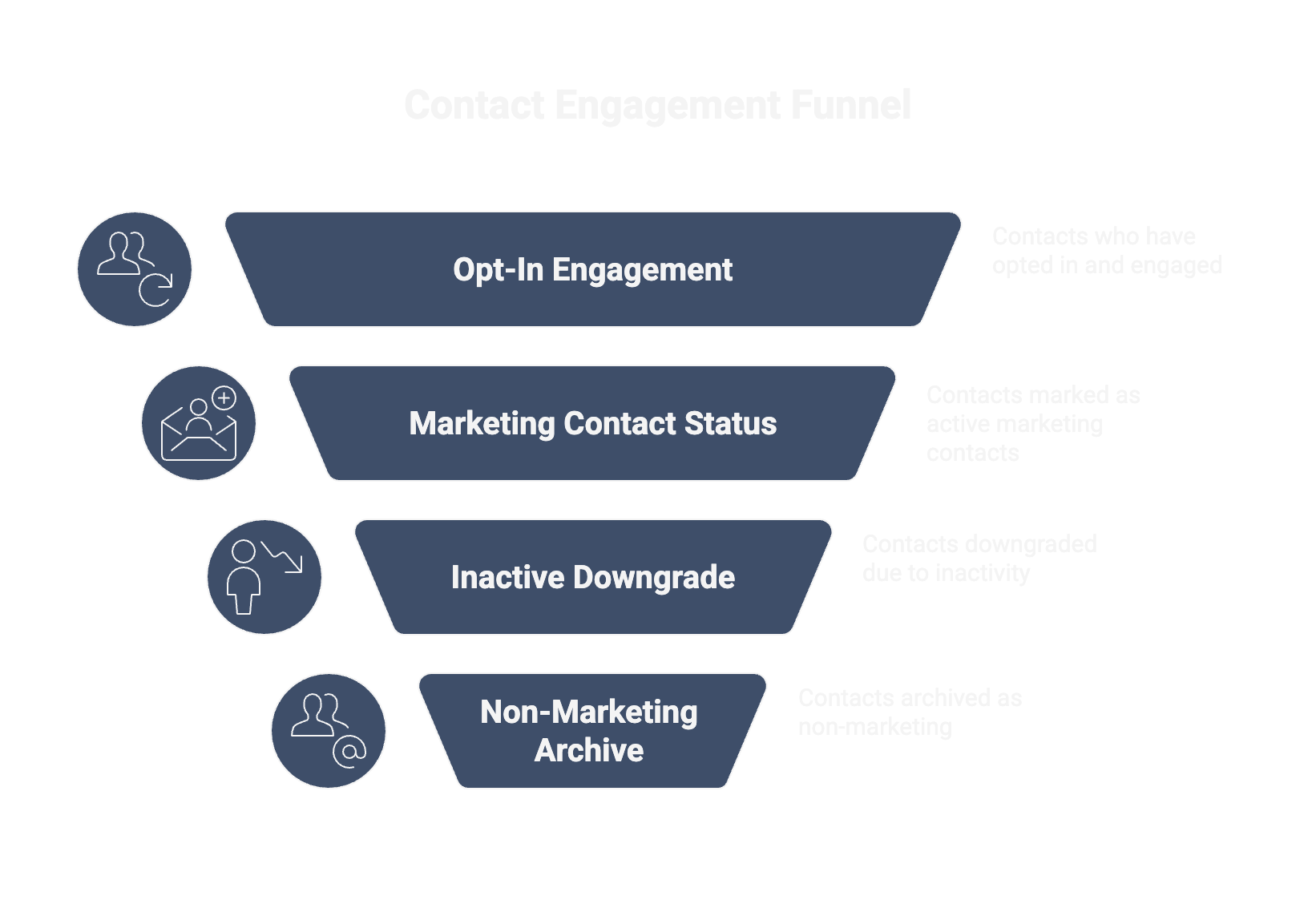
Mark opt-in, engaged audiences as Marketing Contacts; keep cold or unverified profiles as Non-Marketing until they reconfirm. Use workflows to downgrade inactives after a fixed period (e.g., 12 months).
2) Automate status changes
Drive the status from Lifecycle Stage, Subscription Status, and Engagement. Example:
Move to Marketing Contact = yes when consent is present and recent engagement exists.
Move to no on hard bounces, complaints, or unsubscribes (and remove from all marketing lists).
3) Keep a data archive—without paying for it
Historical prospects, customers of record, and integration payloads can all reside in HubSpot as Non-Marketing until they’re re-qualified. This keeps Sales/CS visibility high but protects budget.
4) Watch performance as volume grows
At scale, great segmentation and efficient lists matter. Optimize filters, avoid over-nested logic, and schedule heavy workflows smartly to keep performance smooth.
Governance & Automation: Who Owns What
RevOps/Marketing Ops own the status logic (definitions, workflows, audits).
IT/CRM Admins own API/bulk updates and integration behavior.
Finance gets a monthly contact-cost dashboard (by brand/region) to forecast spend.
Data hygiene is everyone’s job: immediately flip contacts with bounces/unsubs/complaints to Non-Marketing and track clean-up SLAs.
When exactly someone becomes Marketing vs. Non-Marketing.
Build automation
Workflows to promote/demote status.
API scripts for bulk changes after imports or migrations.
Instrument reporting
Dashboard: Marketing Contacts by brand/region + month-over-month cost.
Hygiene Board: bounces, unsubs, complaints set to Non-Marketing in near-real time.
Close the month (two business days before month-end)
Reconcile lists vs. eligible contacts.
Run a “last chance” re-permission on borderline segments.
Freeze and document counts for Finance.
Common Pitfalls & How to Avoid Them
Pitfall 1 — Treating every import as Marketing Fix: Import all new records as Non-Marketing by default; let workflows promote those who meet consent + engagement.
Pitfall 2 — Forgetting the monthly snapshot Fix: Add a recurring “status review” task before month-end; measure variance between “eligible” and “billed” contacts.
Pitfall 3 — Inactive or risky cohorts stay billable Fix: Demote after N days of inactivity; always demote bounces/unsubs/complaints immediately.
Pitfall 4 — No alignment between Ops and Finance Fix: Share a cost forecast widget in the RevOps dashboard and review it in your monthly business rhythm.
Frequently Asked Questions
Can we store unlimited contacts?
Yes. Storage is effectively unlimited; you pay only for those marked Marketing.
When does billing apply?
HubSpot fixes the count on the 1st of each month. Status changes mid-month affect next month.
Do Sales 1:1 emails make a contact ‘Marketing’?
No. Sales emails don’t turn a record into a Marketing Contact. Only marketing sends/workflows/ads do.
Can we sync our entire ERP/CRM into HubSpot without paying for all of it?
Yes—as long as you don’t mark everyone as Marketing. Keep most as Non-Marketing until they qualify.
Other Articles
5
min Read Time
-
Manuel Hartmann
LinkedIn als integrierte Go-to-Market Engine
Nur etwa 5 % deines Marktes kaufen gerade aktiv. Die anderen 95 % haben das Problem zwar ebenfalls, aber noch keinen konkreten Anlass, sich damit zu beschäftigen. Ob du in 6, 12 oder 18 Monaten auf der Shortlist stehst, entscheidet sich vorher. Genau dort endet klassisches Performance-Marketing, und genau dort beginnt Demand Generation auf LinkedIn.
Wieso bei <1’000 Mitarbeitern HubSpot Marketing Hub sinnvoller ist als Marketo
Für CEOs, CROs & Marketing Leader, die Tools operieren, nicht bewundern wollen.
Die meisten Marketo-Setups in mittelgroßen B2B-Unternehmen haben ein gemeinsames Problem: Sie können mehr, als das Team jemals nutzt. Über Jahre gewachsen, vollgepackt mit Smart Campaigns, die niemand mehr anfasst, Scoring-Regeln, denen der Vertrieb nicht traut, und Reporting, das keiner als Entscheidungsgrundlage ernst nimmt. Bezahlt wird für die Vollausstattung. Genutzt wird ein Bruchteil.
Genau hier liegt die eigentliche Frage – und sie hat nichts mit Feature-Listen zu tun. Sie lautet: Welches System kann mein Team in seiner realen Größe tatsächlich bedienen, ohne dafür eine eigene Marketing-Ops-Abteilung zu unterhalten?
Signals Don't Tell You Who Wants to Buy. Here's What They Actually Tell You
Open any sales newsletter today and you'll find the same promise: monitor "buying signals" and "intent data", then pipeline will follow. The vendors selling these tools have trained an entire generation of GTM teams to believe that a website visit, a LinkedIn profile view, or a competitor keyword search means someone is ready to buy.

.png)

.png)

.png)